免密登录远程服务器
约 177 字小于 1 分钟...
配置 SSH 免密登录
在你的本地电脑上生成部署专用密钥(如果还没有):
# 生成密钥对(一路回车即可)
ssh-keygen -t ed25519 -C "github-deploy" -f ~/.ssh/github-deploy
将公钥添加到 Ubuntu 服务器:
# 1. 查看公钥内容
cat ~/.ssh/github-deploy.pub

# 2. SSH 登录到你的服务器
ssh ubuntu@你的服务器IP

# 3. 在服务器上执行以下命令
mkdir -p ~/.ssh
echo "这里粘贴公钥内容" >> ~/.ssh/authorized_keys
chmod 600 ~/.ssh/authorized_keys
chmod 700 ~/.ssh

# 4. 退出服务器
exit
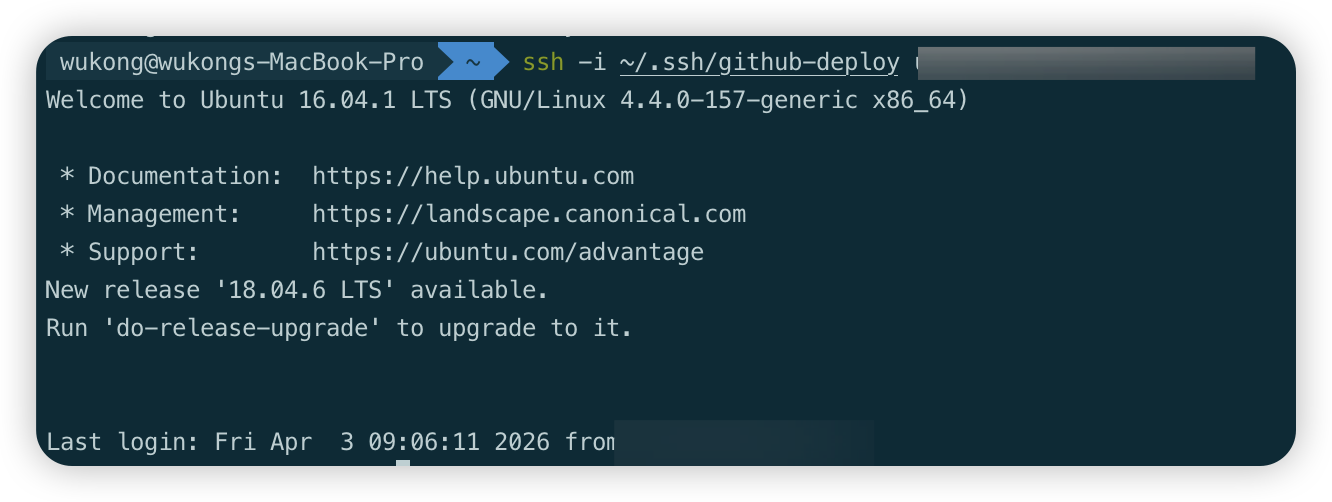
测试免密登录:
ssh -i ~/.ssh/github-deploy ubuntu@你的服务器IP
# 应该直接登录成功,不需要输入密码